
The Bulldozer Analogy: How AI Models and Agents Work
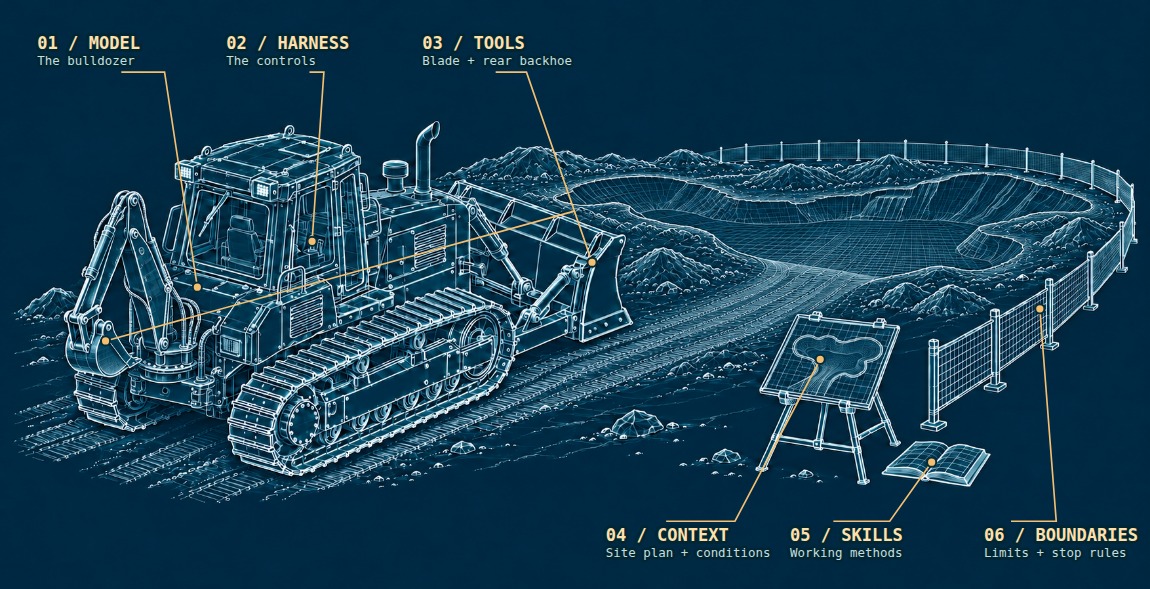
A way to explain how an AI model, the software around it, and the person directing it fit together.
Remington Loose used this analogy in his conversation with Andy Lapteff on Why Network Engineers Are Built for the AI Era, to explain how an AI model, the software around it, and the person directing the work fit together.
Picture a bulldozer hired to build a lake. The bulldozer is the model: it does the digging. Whether you end up with a lake or a mess in the neighbor's yard depends on everything around the machine: who is driving it, what attachments it has, what site plan it is working from, what the operator knows, and where the fence is.
01 / Model
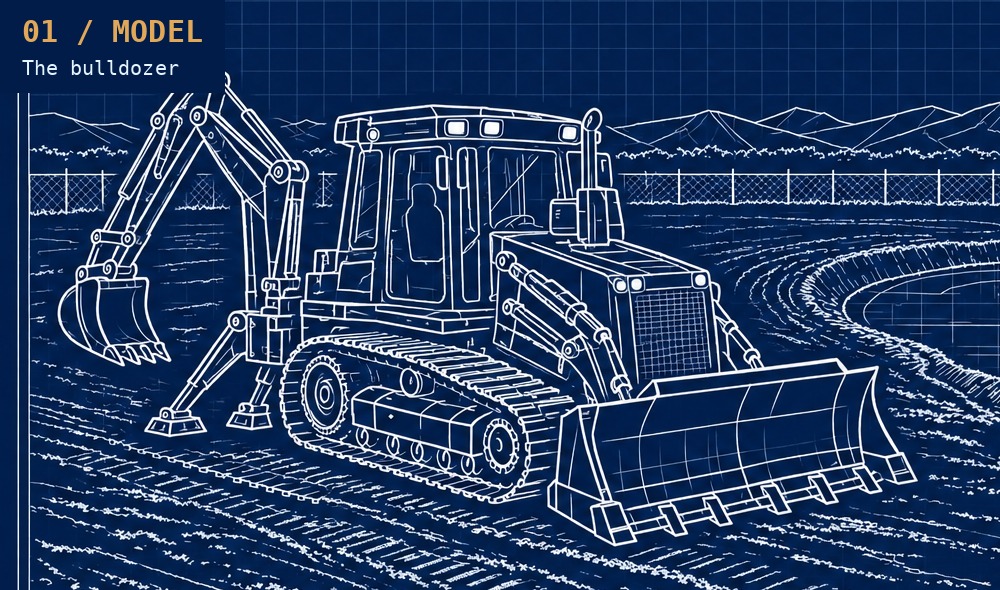 Interprets inputs and produces outputs using what it learned during training. Choose it for the work you need done. Claude is a model, the one writing this sentence. GPT-image is a model too, the one that generated the illustration above. A small, cheap model that just decides whether an email is spam is still a model, doing a much narrower job.
02 / Harness
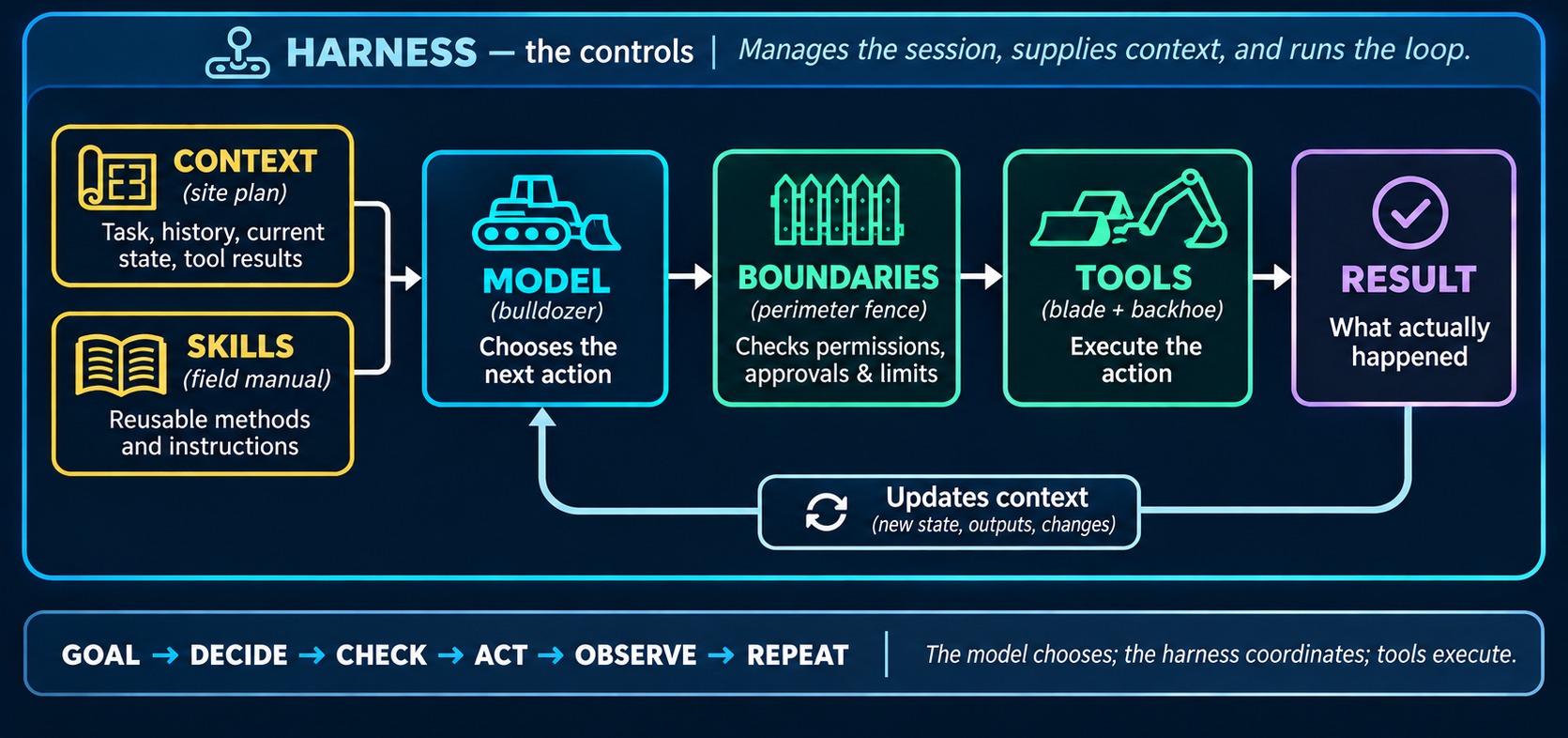
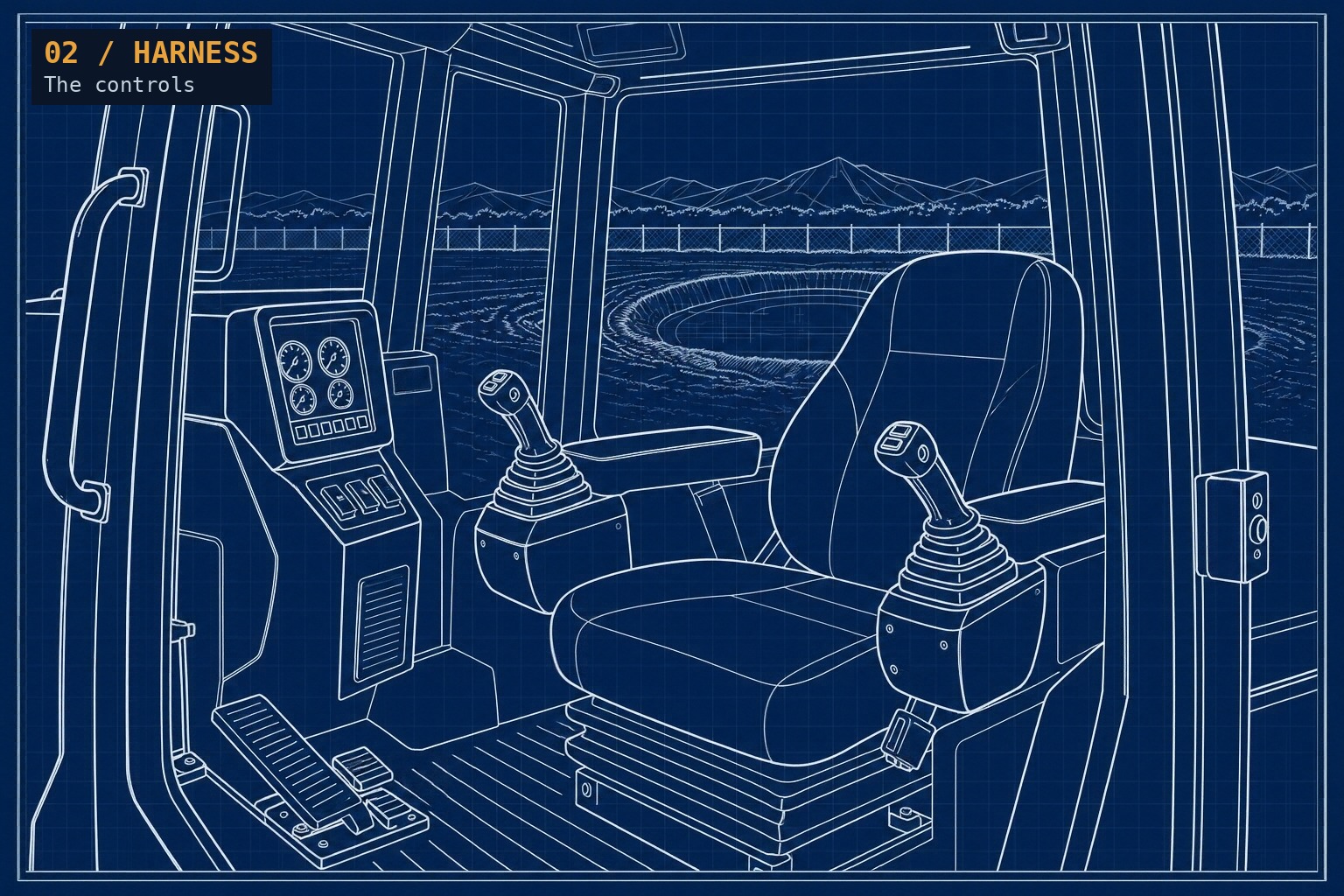 The software around the model: the controls it acts through. It manages the session, supplies context, handles tool calls, and applies configured limits. Claude Code, the tool Remington and Andy both use, is a harness: it gives the model access to a terminal and files, keeps track of the conversation, and lets the model decide what to check next instead of following a fixed script. ChatGPT's own app is a harness around its models. So is Cursor, around a coding model. A script that calls a model once for one answer and moves on to the next hard-coded step is not using a harness in this sense. There is no loop, and nothing is deciding what happens next except the code someone already wrote.
03 / Tools
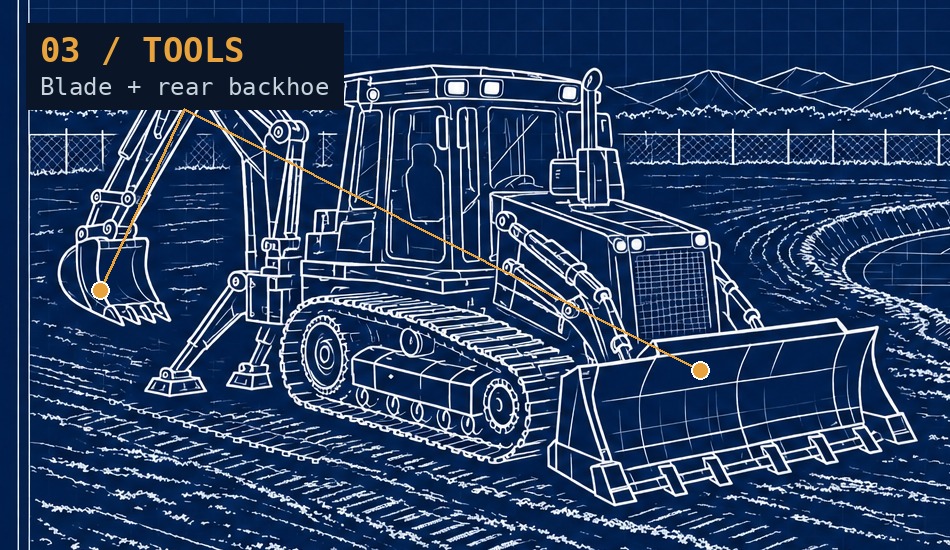 The model requests an action: a search, a database query, a line of code, a change to a file. Software executes it. In Claude Code, these are real, named tools. Bash runs a terminal command. Edit changes a line in a file. WebSearch checks a fact against the live internet. They're what let an agent read a codebase, run a test, and ship a fix, rather than just describe one.
04 / Context
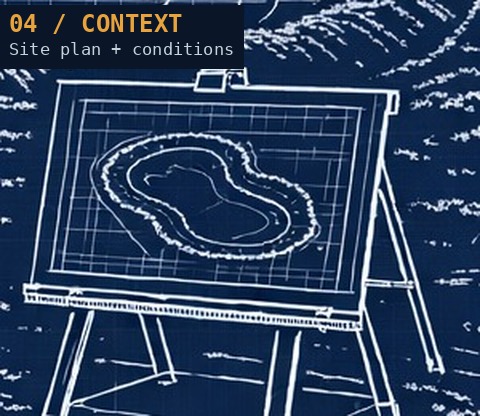 What the model has to work with: the task, instructions, conversation, documents, selected memories, and tool results. The transcript of this episode, handed to a model to help draft this post, is context. So is a style guide loaded at the start of a session, or the last ten messages of a conversation.
05 / Skills
 Reusable methods for doing the work. They can include instructions, examples, scripts, and reference material. A written checklist for how to troubleshoot a specific class of network issue, loaded whenever troubleshooting starts. A saved template for writing in a consistent voice, so the model does not need the same style rules repeated every time.
06 / Boundaries
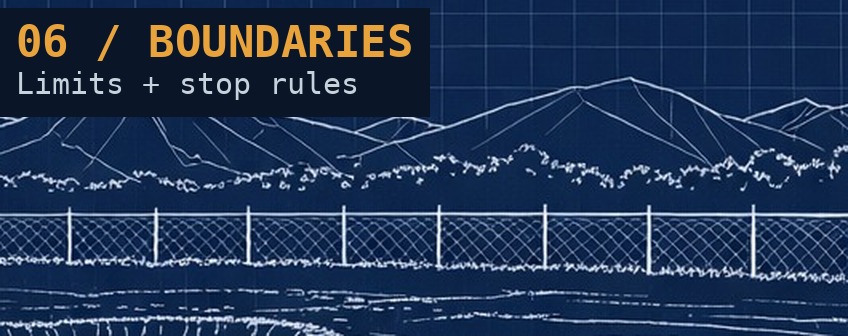 Permissions, approvals, and resource limits set constraints on actions. Validation checks whether the work meets the requirements. A rule that an agent can read files but needs approval before changing or deleting one. A spending limit on how much an agent can rack up calling paid APIs in a day. A requirement that a person reviews a change before it ships.
What makes something an agent?
An agent is what you get when you hand a model a goal instead of a fixed set of steps, and let it work toward that goal on its own. Build a lake over there, not a program listing every coordinate to dig. The model uses the harness to choose actions, runs tools, reads the results, and decides what to do next, continuing until it reaches the goal, hits a limit, or needs to ask you something.
A fixed workflow is different: it follows steps set in code. A script can run an agent, and cron can start one. Neither tells you whether the work is agentic. Using AI to write a script does not make that script an agent; adding a model call to a fixed workflow does not establish that either. What makes it agentic is whether the model is deciding the next step, not just producing an answer inside steps someone already wrote.
This page uses "agent" to mean an LLM agent. The broader AI definition also includes rule-based agents. References: IBM: Types of AI agents and Anthropic: Building effective agents.
Choosing a model
Inputs and outputs. Check which formats the model supports in each direction: text, image, audio, video. A model that understands an image may not generate one. Some of these require a separate model or tool.
Performance. Test the model on the specific tasks you need it to do: reasoning, coding, following instructions, producing the formats your systems need.
Context window. How much can the model work with at once? Instructions, history, documents, and tool results all share one finite window. A large window does not guarantee every detail in it gets used correctly.
Tools, memory, and skills. Check how well the model uses them, and whether the harness you are using supports them at all. Saved memory has to be retrieved and supplied back to the model; skills have to be made available to it. Neither one changes the model's trained weights.
Operate the machine or delegate the job
Person-directed. You choose the next step. You provide the context, ask the model for help, review the result, and decide what to do next. The system may use tools, but you direct the work.
Agent-directed. You set the goal and the limits. The model helps choose the next action, uses tools through the harness, and responds to the results. The system continues, stops, or asks for input within the authority you gave it.
A session can include both: you can direct one step and delegate the next.
Multiple machines on one site
One bulldozer handles one job. A real construction site often runs several machines at once, each with its own operator and task, and something still has to decide who digs where, in what order, and what happens when one machine finds something the plan did not expect.
That coordinating layer is orchestration. Software like n8n does this job for agents: you wire in a model, your tools, and a data source, then build a flow that hands a goal to one agent, takes its result, and passes it to the next. Remington's team at St. Jude built something similar by hand: one orchestrator agent took in a request, found the open questions, and handed each one to a specialist agent built to research just that question.
You do not always need this. A single agent with a clear goal is often enough. Orchestration earns its complexity when the job genuinely splits into pieces that need different tools, different context, or different expertise, and something has to manage how they hand off to each other.
Go back to the bulldozer. It does not know it is building a lake, and it does not know why the lake belongs there. It knows how to dig once someone points it at a target. That is true of the model inside any agent, no matter how good the harness, the tools, or the orchestration around it.
Remington put it this way: hand the model the how and the what, and stay the driver of the why. In practice, that means not taking its answer as the final word. Ask an agent which of 2,800 routes didn't come back after a maintenance window, and it will find them. Ask it why, and it will give you an answer, stated with full confidence whether or not it is right. So you test it, the same way you would if a teammate told you something was working: not because the model can't be trusted, but because verifying is still the engineer's job.
Analogy by Remington Loose, from his conversation on The Art of Network Engineering (also on YouTube).